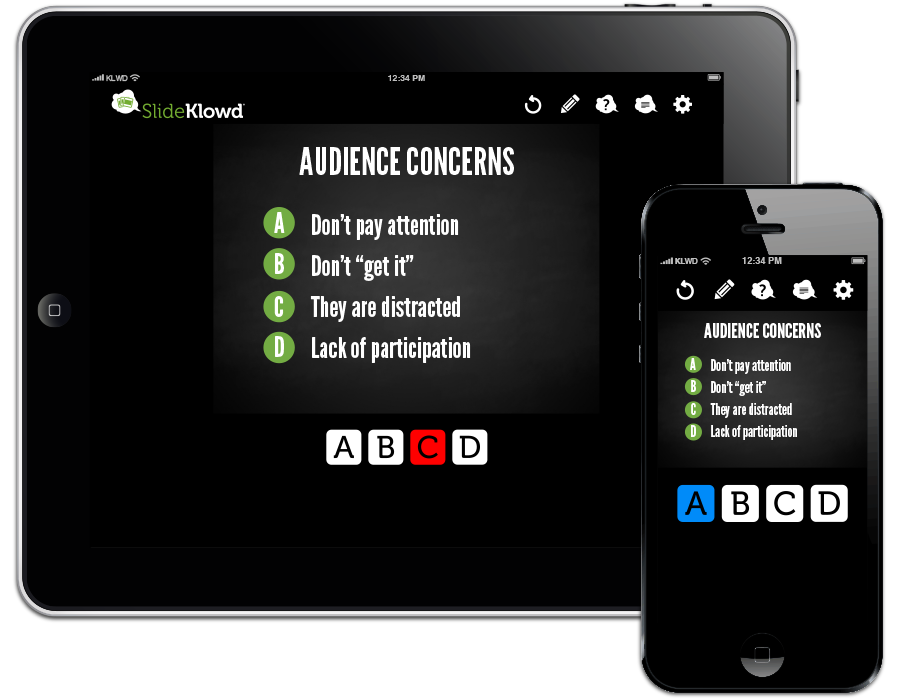

Discover opinions or check for understanding and display real-time results as students vote.

The SlideKlowd platform enables you to embed questions when you create your presentation or add them on the fly.

Student devices report engagement, so you know who is or isn’t connected.

Keep the conversation active and focused among students while lecturing or training using the comment stream.
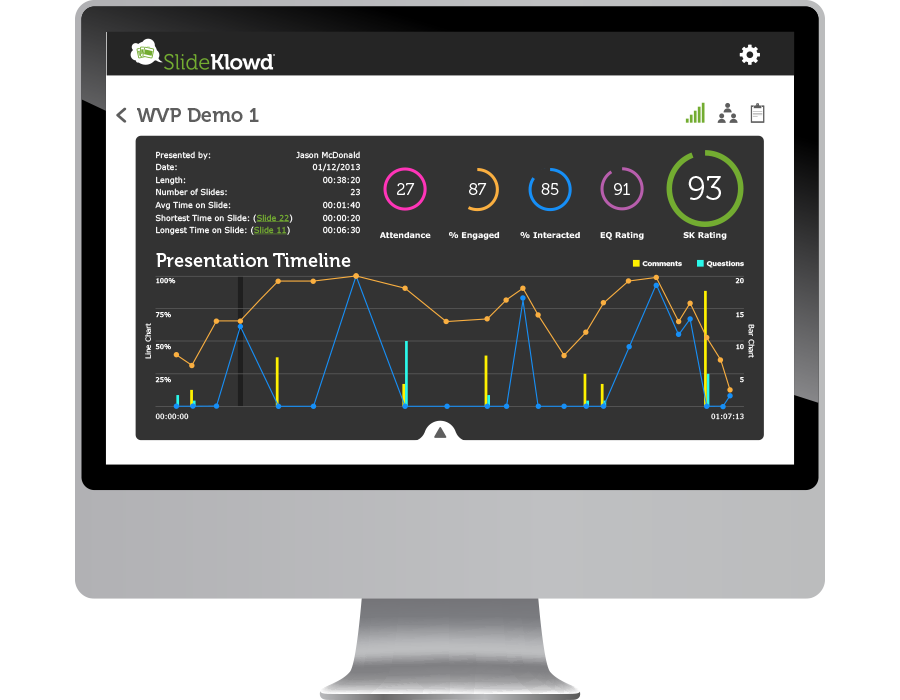

The name and email address of every student is recorded as well as at what point in your lesson they logged in.

Every answer- or lack thereof to the interactions embedded in a lesson is recorded by slide and responder.

The SlideKlowd platform records every instance in which a student connects or disconnects from your presentation, letting you know individual levels of engagement.

The SlideKlowd platform calculates the Emotional Quotient, an overall score for each lesson based on attendance, interaction and engagement.
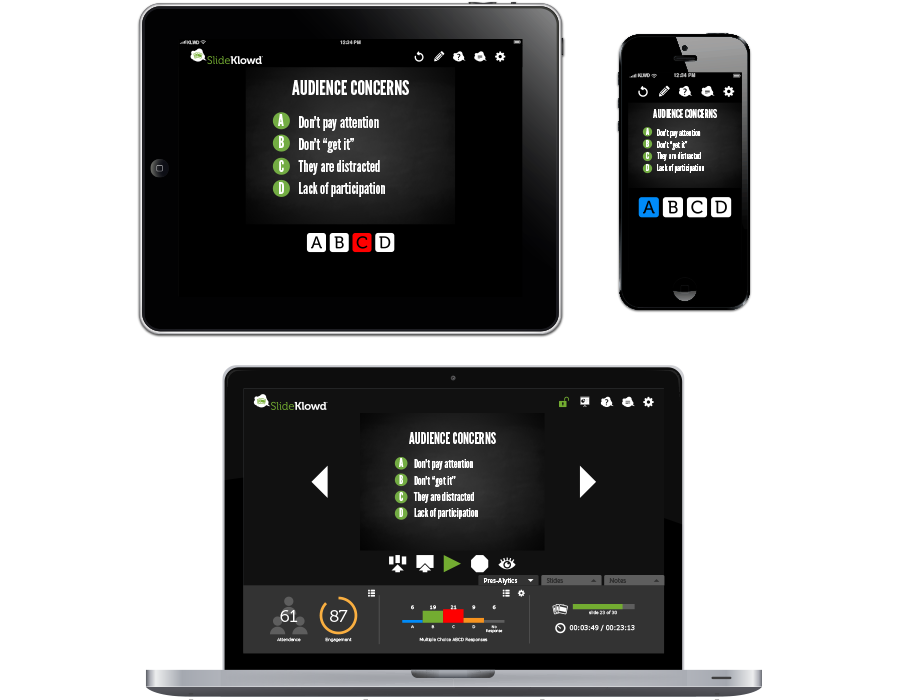

Klowd technology makes your lesson available wherever there’s an Internet connection, making it accessible anywhere your students happens to be.

Poll or survey your whole class during your presentation by adding interactions, including multiple choice, likert scales and text responses.

Student devices also become a means for asking questions, making comments and taking notes.

SlideKlowd catches everything: attendance, responses and engagement levels so you can focus on the people in front of you.

Get everyone in your classroom to participate in your presentation.

Check for understanding, discover opinions- know what your audience is thinking.

Everything is recorded, making it easy to evaluate your lesson results once you're done.

Combine presentations, add or remove slides, add interactions and transitions, all from the SlideKlowd platform.

Track student participation and attendance using customizable email invites that take them directly to your presentation. See who did or didn’t join in the Unopened Invitations report in the Analytics.

Get larger classes to join your presentation using a customizable- or randomly generated Key.

Navigate your lesson from your computer, tablet or even your smartphone.

You and your audience can access your presentation from anywhere, on nearly any web-enabled device.

Have an assistant keep an eye on your slides, notes, time and student engagement.

Access recorded presentation information in an HTML format or download an Excel file with information ready for your university’s or corporation’s LMS.